
Best Image Converter Toolkits in 2026: Fast, Lossless Image Processing
Looking for the best image converter toolkits? Compare top tools like PackCamo, Squoosh, and CloudConvert for fast, high-quality, and secure image processing.
 RazakTerra
- Reading time
- 7 min read
- Comments
- Discussion

On this page
In today’s fast paced digital world, keeping your images optimized is a massive deal. Whether you’re tweaking a website to load faster, designing graphic assets, or just trying to email a bunch of photos without hitting attachment limits, heavy image files are a hassle. They slow down site loading times, eat up storage, and mess with your Google SEO rankings.
That’s why having a solid, go-to image converter toolkit in your browser bookmarks is pretty much a superpower.
Let’s break down what makes a modern image converter actually good, plus a deep dive into the top toolkits you should check out this year. Why You Need More Than Just a Basic Converter
Most people think all image converters do the exact same thing flipping a .jpg to a .png. But modern WebAssembly powered tools and specialized compression engines take things way further:
Real Privacy & Security: Older online tools force you to upload files to their servers. If you’re working with private documents or unreleased designs, that’s a security risk.
Instant Client Side Processing: Modern toolkits process your images right inside your browser. No waiting around for file uploads or downloads.
Massive Storage & Bandwidth Savings: Switching to modern formats like WebP or AVIF can slash your file sizes by 70–80% without destroying image quality.
The Best Image Converters & Utility Toolkits
Pack Camo
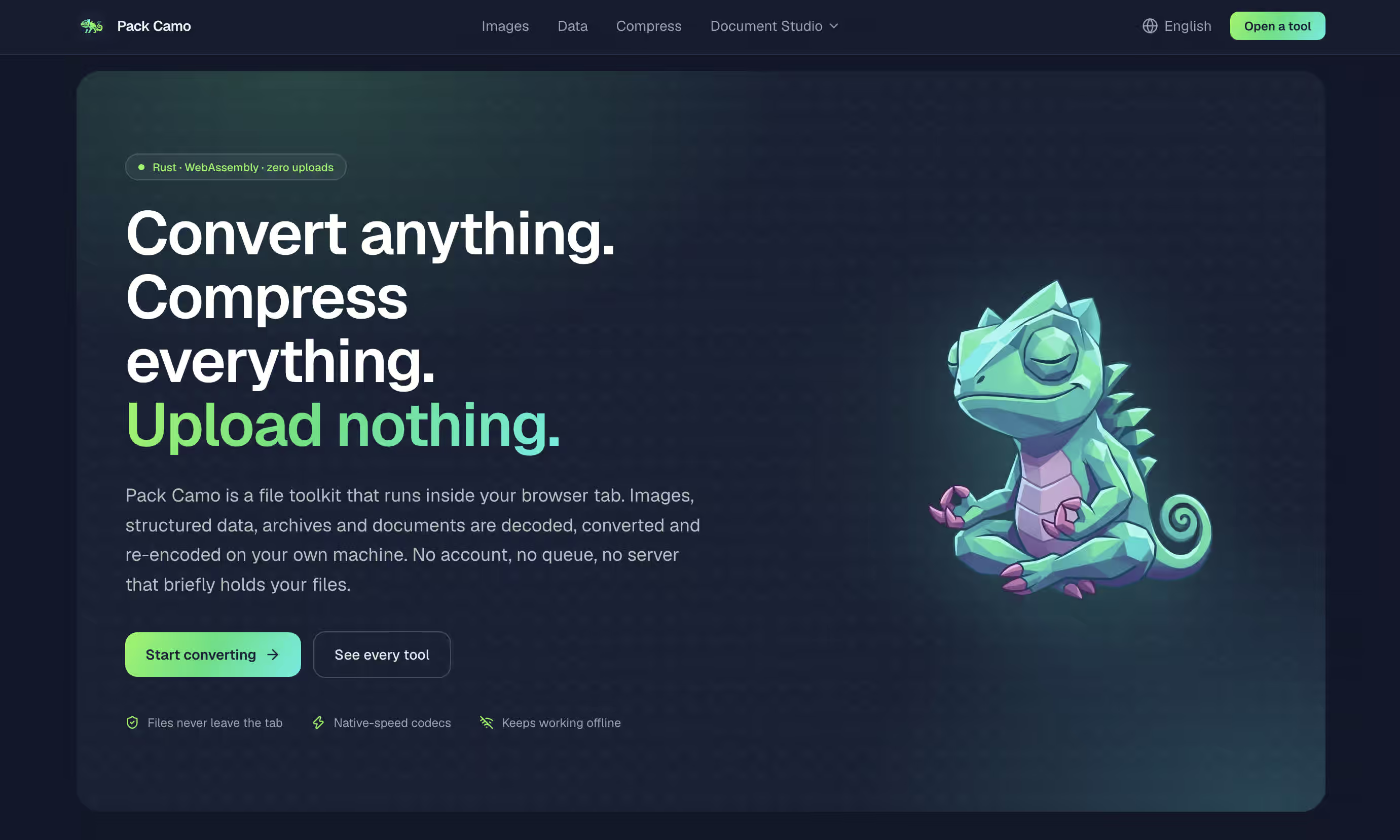
If you want a versatile, blazingly fast image web toolkit that respects your privacy, PackCamo is an outstanding choice for modern workflows.
PackCamo was built specifically for developers, designers, and everyday users who want powerful image processing without sending their data off to a remote cloud server. Key Highlights & Technical Capabilities:
- 100% Client Side Engine: Powered by WebAssembly (WASM) and Web Workers, PackCamo handles heavy computational tasks directly inside your browser sandbox. Your images never leave your local device.
- Broad Format Ecosystem: Effortlessly convert between JPG, PNG, WebP, AVIF, and SVG formats, along with specialized document utility tools.
- Smart Compression & Vectorization: Beyond simple format switching, PackCamo features lossy/lossless compression tuning and an advanced image vectorization tool that converts raster images into clean, scalable SVG vectors.
- Zero Upload Overhead: Because there is no network trip required to upload or download heavy files, batch conversions happen almost instantaneously regardless of server bandwidth.
Squoosh
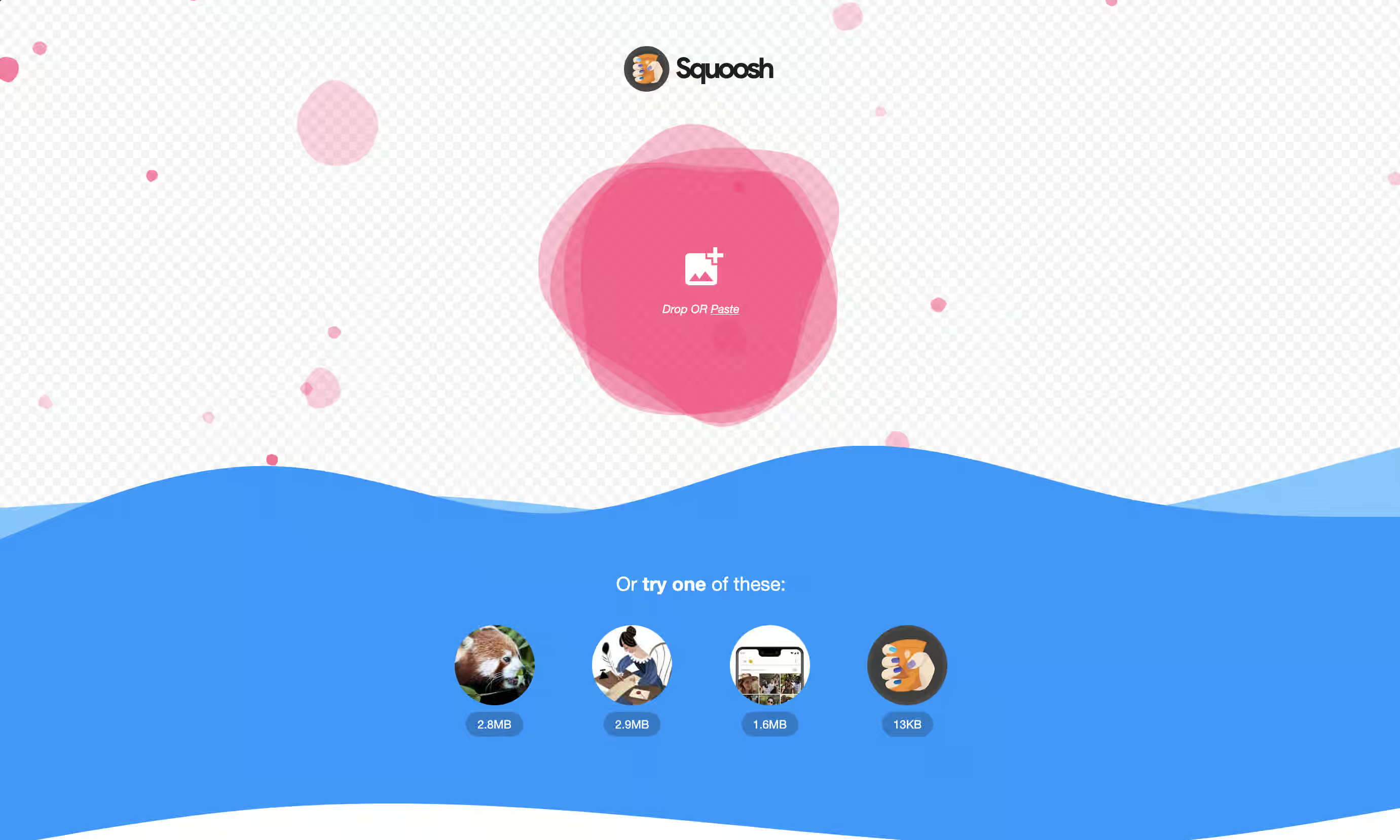
Squoosh is an open source, experimental web app built by Google Chrome Labs. It’s designed specifically for web developers and designers who want full granular control over compression algorithms and side by side visual fidelity. Key Highlights & Technical Capabilities:
- Interactive Split Screen Slider: Features a realtime “before and after” comparison slider that lets you zoom in and inspect pixel level compression artifacts before saving your work.
- Cutting Edge Codecs: Supports advanced web encoders including MozJPEG, WebP, AVIF, OxiPNG, and JPEG XL (experimental), allowing you to fine tune quality sliders, color channels, and dithering settings.
- Offline PWA Capabilities: Once loaded, Squoosh operates completely offline as a Progressive Web App (PWA), ensuring your images are compressed entirely within your browser.
- Best Use Case: Single image web optimization where finding the exact balance between file size and visual sharpness is critical.
Cloud Convert
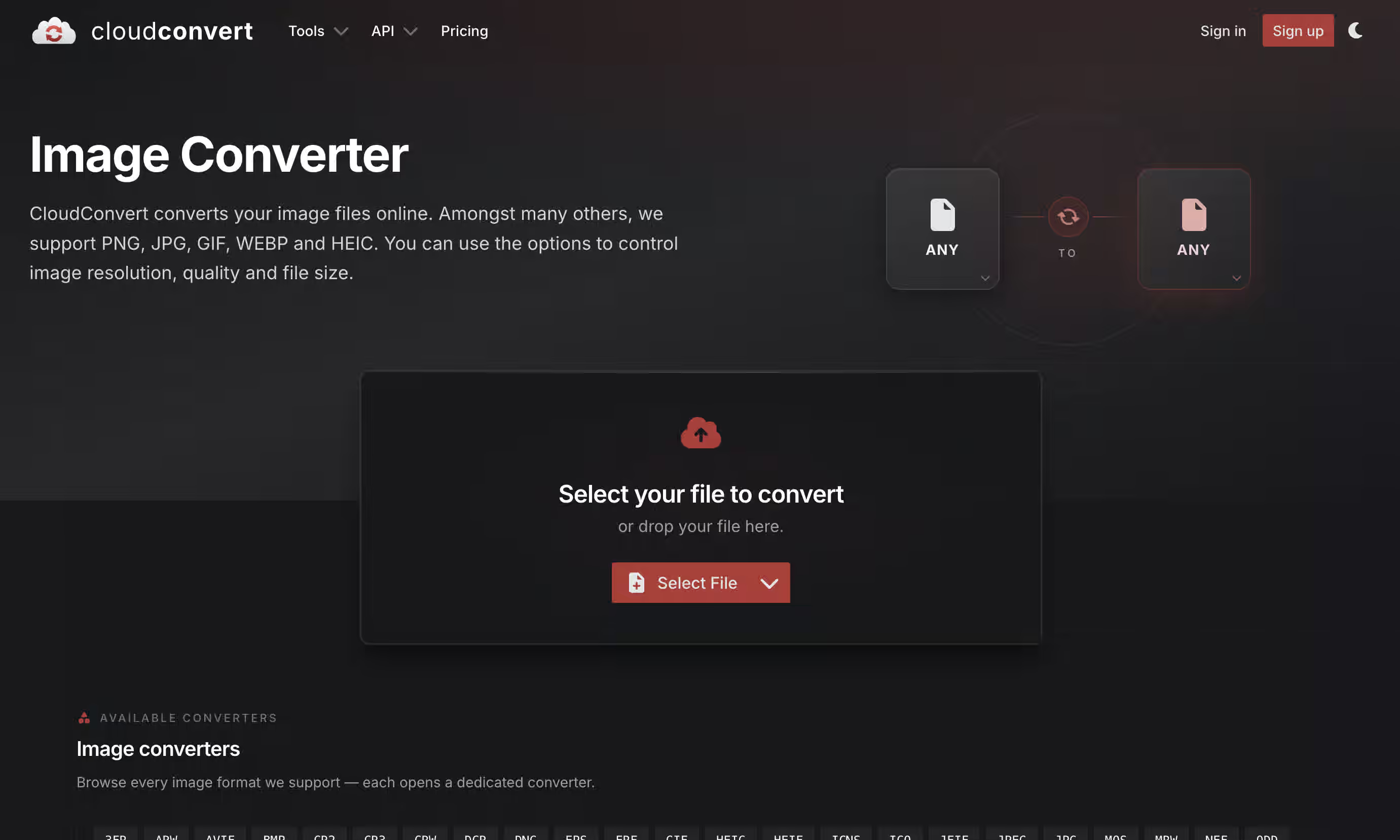
CloudConvert is a veteran cloud based conversion service that acts as a universal Swiss Army knife for file formats, supporting virtually every media extension available today. Key Highlights & Technical Capabilities:
- Massive Format Matrix: Supports conversions across 200+ file formats, including rare image formats (HEIC, TIFF, EPS, RAW) as well as cross category conversions (e.g., converting PDF pages directly into highres PNGs or JPGs).
- API & Workflow Integrations: Offers a robust REST API and native Zapier/Make integrations, enabling developers to automate image conversion pipelines in cloud applications.
- Advanced Output Customization: Allows users to define custom DPI, image dimensions, color profiles, and quality percentages prior to server processing.
- Best Use Case: Complex conversions involving uncommon file extensions or automated cloud based workflow integrations.
Image Magick
For software engineers, system administrators, and Linux power users, ImageMagick remains the gold standard in command line image editing and batch manipulation. Key Highlights & Technical Capabilities:
- Command line Powerhouse: Operates directly via terminal commands or script bindings (Python, Node.js, PHP), making it capable of processing thousands of images programmatically in seconds.
- Extensive Manipulation Toolkit: Goes far beyond conversion to include resizing, cropping, color shifting, blurring, watermarking, drawing geometric shapes, and combining multiple frames into animated GIFs.
- Vector & Raster Versatility: Reads and writes over 200 image formats, handling complex color spaces (CMYK vs RGB) and EXIF metadata management with precision.
- Best Use Case: Server side batch automation, CI/CD pipeline integration, and scripting complex image transformations.
Convertio
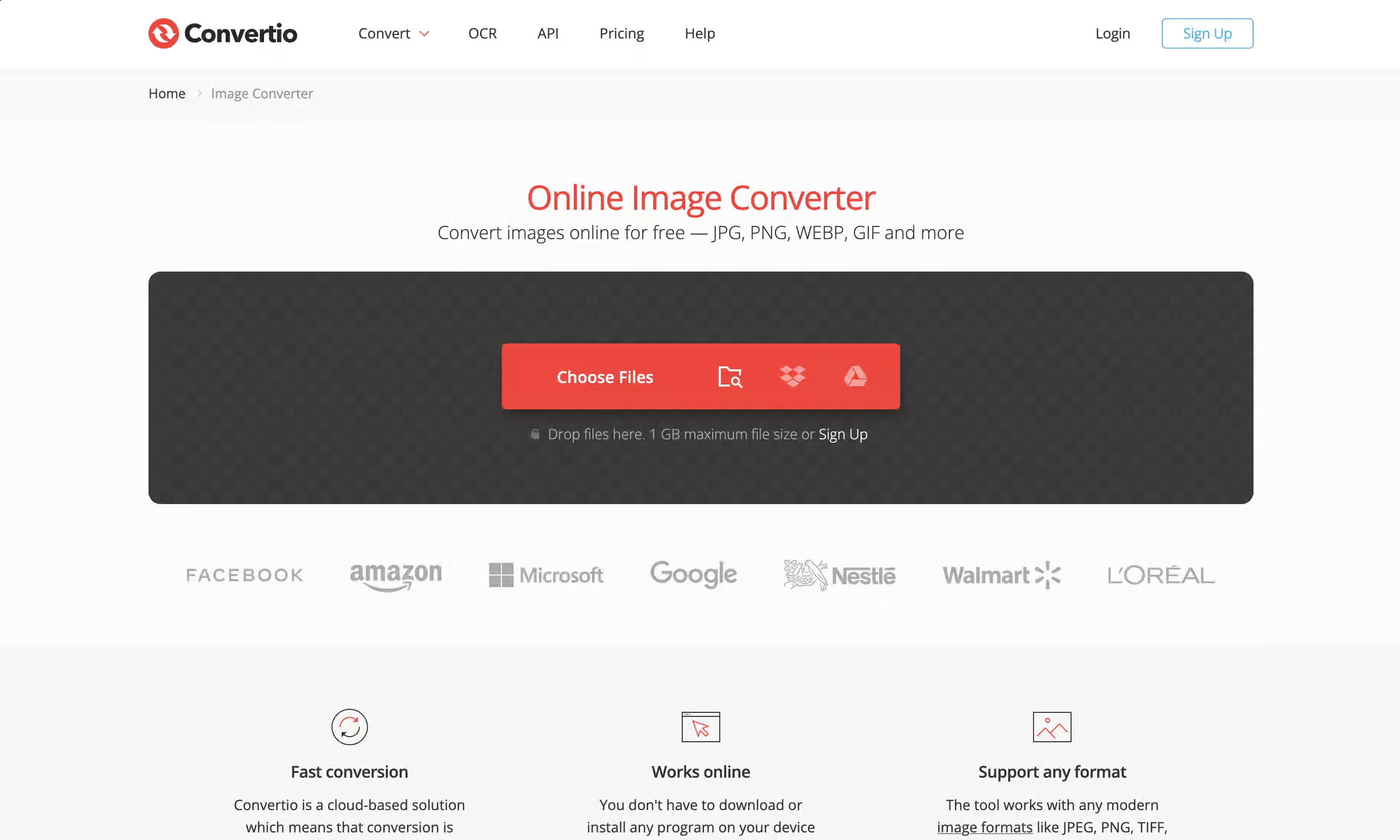
Convertio provides a seamless drag and drop web interface designed to make file conversion as effortless as possible for nontechnical users. Key Highlights & Technical Capabilities:
- Direct Cloud Storage Sync: Integrates directly with Google Drive and Dropbox, letting you select files directly from your cloud storage and save converted outputs back without manual downloads.
- Batch Drag and Drop Processing: Handles multiple file uploads simultaneously with automated queueing and format assignment.
- OCR & Document Features: Includes optical character recognition (OCR) capabilities for extracting text from scanned image files during conversion.
- Best Use Case: Quick, casual conversions directly from Google Drive or mobile devices where ease of use is the top priority.
Quick Guide: Choosing the Right Format for Web & SEO
To get the best performance out of tools like PackCamo, here is a handy cheat sheet on when to use each format:
- WebP / AVIF: Best for blog posts and website content. They offer tiny file sizes while preserving crisp visual quality hugely favored by Google PageSpeed Insights.
- PNG: Ideal for logos, graphics with transparent backgrounds, or UI elements requiring sharp vector like lines.
- JPG / JPEG: Great for complex photography and background images where file size matters and transparency isn’t needed.
- SVG: The go to vector format for icons and scalable illustrations stays razorsharp on any device screen without blowing up file size.
Summary Comparison: Toolkit Pros & Cons
Below is a detailed breakdown comparing the key strengths and limitations of each image converter toolkit:
Toolkit | Best For | Pros | Cons |
|---|---|---|---|
| Pack Camo(opens in a new tab) | WebAssembly speed, browser privacy, & SVG vectorization |
|
|
| Squoosh(opens in a new tab) | Precise visual tuning & web image tweaking |
|
|
| Cloud Convert(opens in a new tab) | Universal format switching & cloud API automation |
|
|
| Image Magick(opens in a new tab) | Terminal automation & server side batch scripting |
|
|
| Convertio(opens in a new tab) | Easy cloud drive conversions (Google Drive/Dropbox) |
|
|
Wrapping Up
Choosing an image converter isn’t just about changing file extensions anymore it’s about balancing speed, privacy, file quality, and workflow integration.
Whether you need the terminal power of ImageMagick, the visual inspection sliders of Squoosh, or the instant client-side privacy and vectorization features of PackCamo, picking the right tool will dramatically streamline your digital workflow.
Written by
Razak
Writes about the web, slowly, and builds small tools on the side.
Keep reading
Read next
 9 min
Octoverse 2026: Commits Hit Record Highs as Developers Build with Agents
GitHub's Octoverse 2026 counted 34.3 billion commits and found that over 40% of pull requests now start as an agent's draft. Here is what the numbers mean, and what they mean for you as a developer.
Read article 3 min
Best Animated Icon Libraries for React That Actually Look Good
Four animated icon libraries for React that add smooth hover effects, pulses and micro-interactions without slowing your app down.
Read article 8 min
What Is Cache Storage? The Cache API Explained
Cache Storage keeps whole requests and responses in the browser. Learn the Cache API, how offline sites use it, and cache-first vs network-first, live.
Read article
Discussion
Comments
Loading comments…