
What Is Cache Storage? The Cache API Explained
Cache Storage keeps whole requests and responses in the browser. Learn the Cache API, how offline sites use it, and cache-first vs network-first, live.
 RazakTerra
- Reading time
- 8 min read
- Comments
- Discussion
On this page
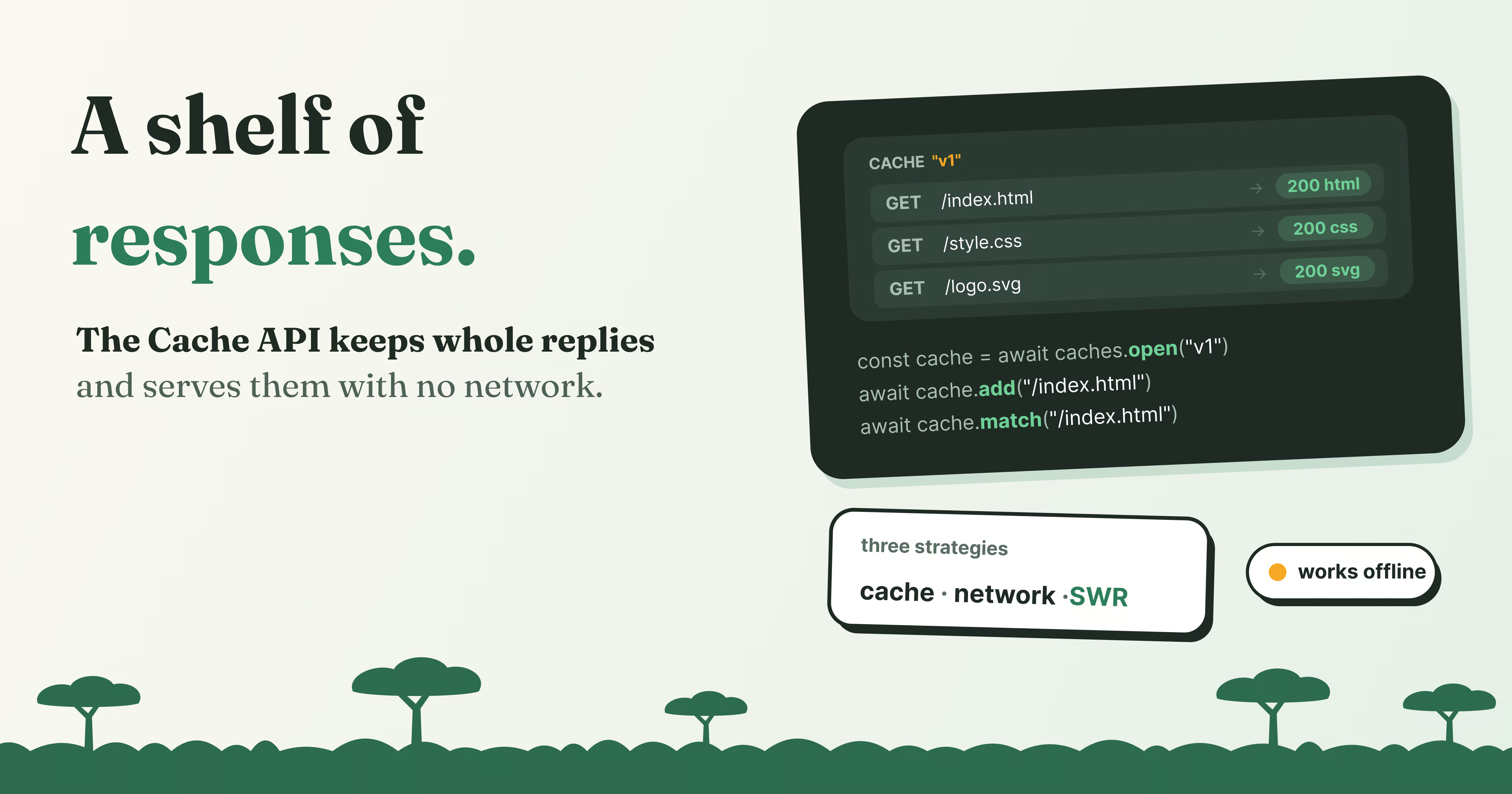
Some websites still open when you have no connection at all. You get the page, the styles, the logo, even the article you read yesterday, while the browser’s dinosaur shows up for every other site. The site didn’t store a copy of its text in localStorage. It stored the responses themselves: the exact replies its server sent, headers and all, ready to hand back the next time the page asks.
That’s Cache Storage, and the API that drives it is called the Cache API. It isn’t the browser’s ordinary HTTP cache, which the browser manages on its own and clears whenever it likes. This one is yours: your code decides what goes in, when it’s used, and when it’s thrown away. Nothing ever expires by itself. That control is what makes offline sites possible, and also what makes it easy to serve last month’s page forever by mistake.
In this post we’ll put real responses into your browser’s Cache Storage, read them back without touching the network, and then look at the three classic strategies for deciding when to trust the cache.
A shelf of saved responses
Here’s the mental model for this post: Cache Storage is a set of named shelves, and each shelf holds request and response pairs. You put a response on the shelf under its request, and later ask the shelf for that request instead of the network.
The pieces:
cachesis the cupboard.caches.open("v1")gives you a shelf (aCache) by name, creating it if needed.cache.add(url)fetches a URL and stores the response.cache.put(request, response)stores a response you already have, even one you made yourself.cache.match(url)returns the stored response, orundefinedif there isn’t one.cache.delete(url)removes one entry, andcaches.delete("v1")removes the whole shelf.
Try it. Pick a file, fetch() it from the network, then cache.add() it, then cache.match() it, and compare the times:
Empty. Try cache.add().
Start with fetch(), then cache.add(), then cache.match().
A few things worth noticing while you play:
matchdoesn’t touch the network. The response comes off the shelf, so it’s usually a fraction of the time a real fetch takes, and it would work the same with no connection at all.- A miss isn’t an error. Matching something that was never cached returns
undefined. Your code decides what to do next. - The whole response is kept. Status, headers, body. The
content-typecolumn comes straight from the stored response. - You can store responses you made up.
cache.put()withnew Response("Hello from the cache!")stores a response no server ever sent. That’s how apps cache an offline page or the result of a computation.
Where it’s used: service workers
You can use the Cache API from a normal page, as the demo does. But its real home is the service worker: a script the browser runs between your page and the network, which can answer requests itself. Put Cache Storage and a service worker together and you get a site that works offline:
const CACHE = "site-v1";
// 1. When the service worker installs, save the essentials
self.addEventListener("install", (event) => {
event.waitUntil(
caches.open(CACHE).then((cache) =>
cache.addAll(["/", "/styles.css", "/app.js", "/offline.html"])
)
);
});
// 2. For every request, try the shelf first, then the network
self.addEventListener("fetch", (event) => {
event.respondWith(
caches.match(event.request).then((cached) => cached ?? fetch(event.request))
);
});event.respondWith() is the service worker saying “I’ll answer this one”. Whatever it returns, a cached response or a fresh fetch, is what the page receives, as if the server had sent it.
When should you trust the cache?
The code above always prefers the cache. That’s fast and works offline, but it has a catch: once a page is on the shelf, the user keeps getting that copy, even after you publish a new version. There’s no single right answer, just three common strategies. Try each one: request the page a few times, publish v2, go offline, and request again:
A few things worth noticing:
- Cache first is the fastest and works offline, but after you publish v2 it keeps serving v1 until the cache entry is replaced. It’s ideal for files that never change at a given URL, like
app.3f9a2c.jswith a hash in its name, fonts and images. - Network first always shows the newest version when it can, and only falls back to the cache when the network is down. It’s slower, because every request waits for the server, but it’s the safe choice for pages whose content changes, like an article list or an account page.
- Stale-while-revalidate answers from the cache instantly and fetches a fresh copy in the background for next time. The user sees v1 once more after you publish, then v2 from the following request. It’s a good middle ground for things like avatars or a blog’s article pages.
Here’s network first in a service worker, falling back to the cache and then to an offline page:
self.addEventListener("fetch", (event) => {
event.respondWith(
fetch(event.request)
.then((response) => {
if (response.ok) {
const copy = response.clone();
caches.open(CACHE).then((cache) => cache.put(event.request, copy));
}
return response;
})
.catch(async () =>
(await caches.match(event.request)) ?? caches.match("/offline.html")
)
);
});The response.clone() matters: a response body can only be read once, so you keep one copy for the cache and send the other to the page.
The rules that trip people up
Nothing expires on its own. The HTTP cache respects Cache-Control headers; Cache Storage ignores them. An entry stays until your code deletes it or the browser clears the site’s storage. So name your caches with a version, like site-v2, and delete the old ones when a new service worker takes over:
self.addEventListener("activate", (event) => {
event.waitUntil(
caches.keys().then((names) =>
Promise.all(names.filter((name) => name !== CACHE).map((name) => caches.delete(name)))
)
);
});Only GET requests can be stored. Try to put a POST and the browser refuses: Request method 'POST' is unsupported. That’s deliberate: a POST changes something on the server, and replaying an old answer to it would be wrong.
add fails on errors. cache.add() only stores successful responses. Point it at a page that returns 404 and it rejects with TypeError: Request failed, and nothing is cached. With cache.addAll(), one failure means none of the URLs are cached.
It needs a secure page. Like service workers, the Cache API only exists on HTTPS pages (and on localhost, for development). On plain http://, caches is simply undefined.
How the four storages compare
This is the last post in the series, so here are all four side by side:
| localStorage | sessionStorage | IndexedDB | Cache Storage | |
|---|---|---|---|---|
| Holds | Strings | Strings | Objects, files | Requests and responses |
| Lives | Until cleared | Until the tab closes | Until cleared | Until your code deletes it |
| Size | About 5 MB | About 5 MB | Share of the disk | Share of the disk |
| Blocks the page | Yes | Yes | No | No |
| In workers | No | No | Yes | Yes |
| Best for | Preferences, drafts | Per-tab state | App data, offline data | Offline pages and assets |
Try it yourself
Open the developer tools on this page and go to Application → Cache storage in Chrome (Storage → Cache in Firefox). You’ll find terra-demo-v1 with whatever you added in the lab, and you can click an entry to see its stored headers and body.
Then paste this into the console to list everything in every cache on the site:
for (const name of await caches.keys()) {
const cache = await caches.open(name);
const urls = (await cache.keys()).map((request) => request.url);
console.log(name, urls);
}Wrapping up
Cache Storage is a set of named shelves of request and response pairs that your code fills, reads and empties, with no automatic expiry. From a page you can use it directly; from a service worker it can answer requests before they reach the network, which is how sites work offline. Every strategy is a trade between fresh and fast: cache first for files that never change, network first for content that does, and stale-while-revalidate for the middle. Version your cache names and delete the old ones, and the cache stays a help rather than a trap.
Here’s what to take with you:
caches.open(name)gives you a cache;add,put,matchanddeletework on it.- It stores whole responses, status, headers and body, keyed by request.
matchreturnsundefinedon a miss and never touches the network.- Nothing expires: version cache names and delete old ones on
activate. - Only
GETrequests can be cached, andaddrejects failed responses. - It needs HTTPS (or localhost) and shares a quota with IndexedDB.
- Cache first for fixed files, network first for changing content, stale-while-revalidate in between.
That’s the whole family: a notebook per site, a notebook per tab, a database, and a shelf of responses. Next time a site remembers you, you’ll know exactly where it wrote that down. Thanks for reading! 📦
Written by
Razak
Writes about the web, slowly, and builds small tools on the side.
Keep reading
Read next
 8 min
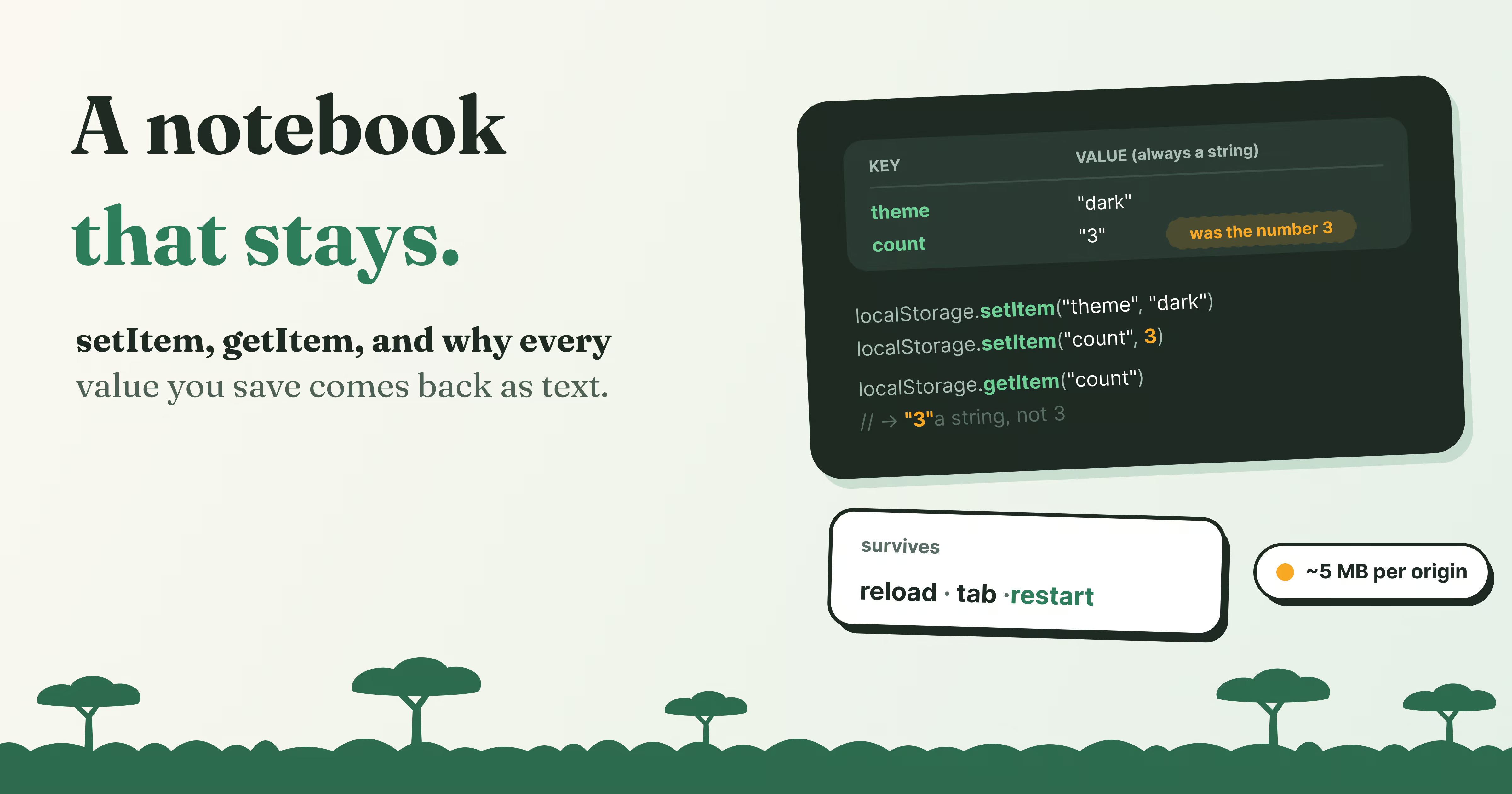
What Is localStorage? Save Data in the Browser
Learn how localStorage works, with a live lab on your own browser: setItem and getItem, why everything becomes a string, JSON, limits, and storage events.
Read article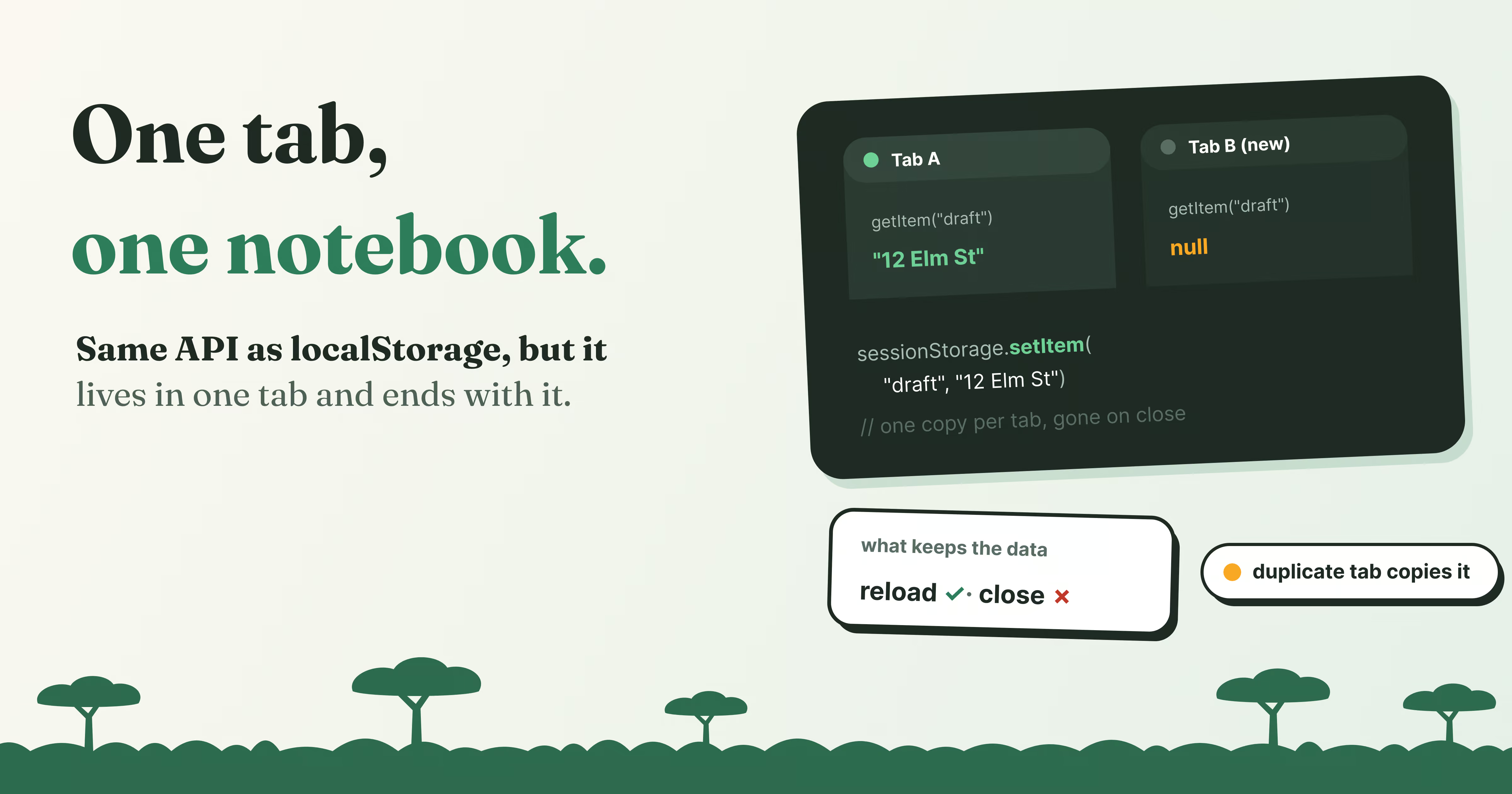 6 min
What Is sessionStorage? Storage That Lives Per Tab
sessionStorage works like localStorage but lives in one tab. See what survives a reload, a new tab, a duplicate or closing the tab, with live demos.
Read article 9 min
Octoverse 2026: Commits Hit Record Highs as Developers Build with Agents
GitHub's Octoverse 2026 counted 34.3 billion commits and found that over 40% of pull requests now start as an agent's draft. Here is what the numbers mean, and what they mean for you as a developer.
Read article
Discussion
Comments
Loading comments…