
CSS Specificity and the Cascade: Which Rule Wins?
Why isn't my CSS working? Learn how the cascade and specificity decide which rule wins, with a live demo that ranks every rule and explains each loss.
 RazakTerra
- Reading time
- 10 min read
- Comments
- Discussion
On this page
Sooner or later, every CSS beginner has the same afternoon. You write a rule. You save. You refresh. Nothing changes. You check the spelling, the semicolons, the file path. Everything’s fine. The rule is right there, and the browser is ignoring it.
It isn’t, though. Almost every time, your rule is working perfectly. It’s just losing. Somewhere else in your CSS, another rule is setting the same property on the same element, and the browser has decided that one should win.
That decision isn’t random, and it isn’t a matter of taste. It’s made by a short, strict list of questions called the cascade, the “C” in CSS. In the last post we learned how selectors pick elements. In this one we’ll learn what happens when several of them pick the same element and disagree. Once you know the questions, “why isn’t my CSS working?” turns into a puzzle you can actually solve.
Every rule enters a contest
Here’s the mental model for this post: every declaration that applies to an element enters a contest for each property, and the cascade asks the contestants the same questions in the same order. The first question that separates two of them decides who wins.
For the CSS you’ll write day to day, there are four questions, asked in this order:
- Is one of them
!important? An important declaration beats a normal one. - Is one of them an inline style? A
style="…"attribute beats any selector. - Which selector is more specific? The higher specificity wins.
- Which one comes later? If everything else is equal, the last one written wins.
The order matters as much as the questions. Specificity is only asked about when importance and inline styles didn’t settle it. Order is only asked about when specificity was a tie. A later rule never beats a more specific one, no matter how far down the file it sits.
Watch the contest
Below is one paragraph, <p id="intro" class="lead note">, inside a <div id="page">. There are seven rules in the stylesheet, and every one of them sets color. Only some are switched on to begin with. The ranking on the right lists every rule that selects the paragraph, best first, and says why each one lost to the one above it. Underneath, the figure checks its answer against the colour your browser actually computed.
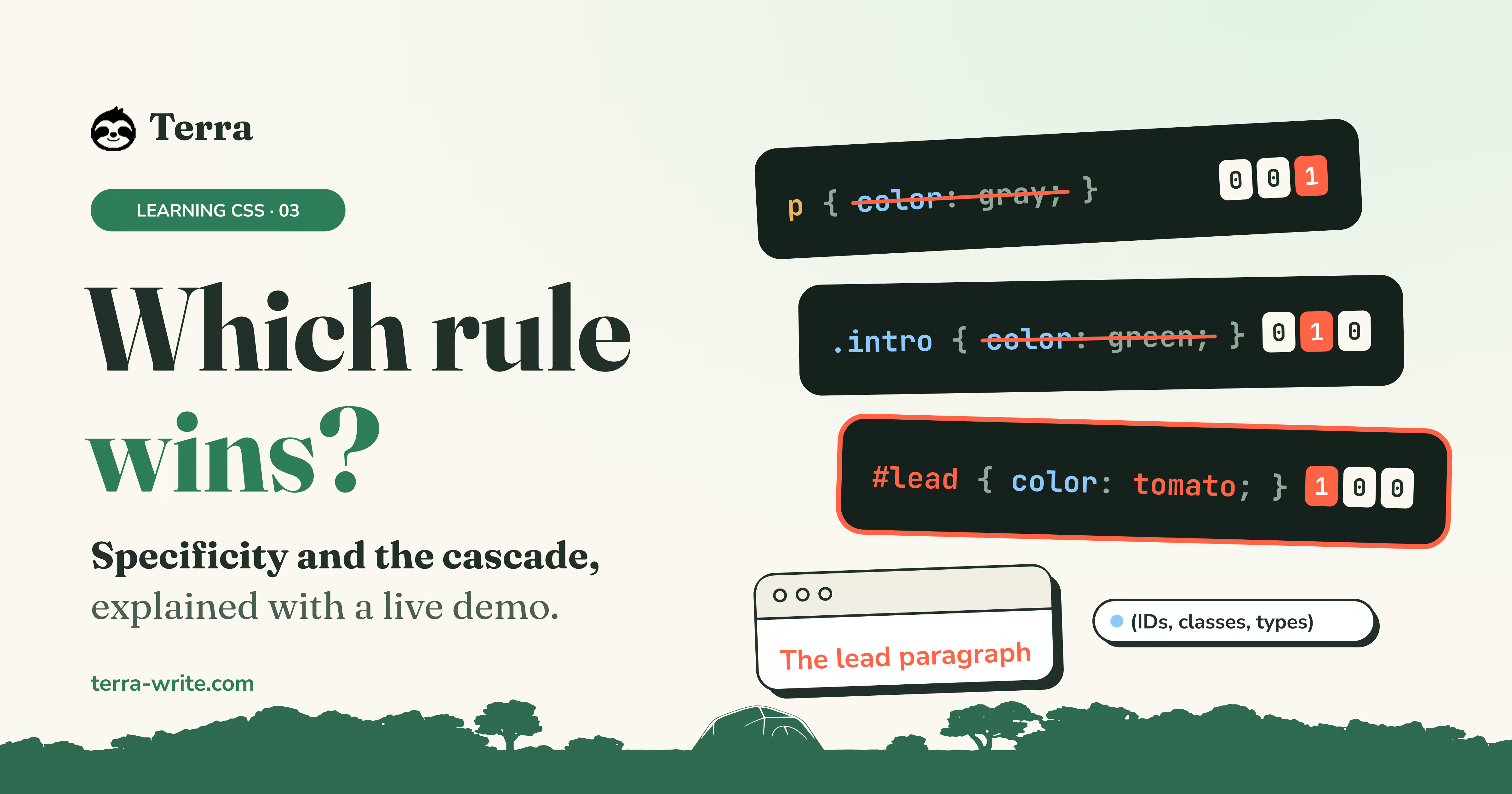
- #page { color: crimson }(1, 0, 0)
- p { color: gray }(0, 0, 1)
- .lead { color: teal }(0, 1, 0)
- .note { color: hotpink }(0, 1, 0)
- p.lead { color: purple }(0, 1, 1)
- #intro { color: royalblue }(1, 0, 0)
- .lead { color: seagreen !important }(0, 1, 0)
.note { color: hotpink }Wins..lead { color: teal }Loses to .note: same specificity, and it comes later.p { color: gray }Loses to .lead: higher specificity: (0, 1, 0) beats (0, 0, 1).#page { color: crimson }Not in the contest: it selects the div, not the paragraph. Its colour only reaches the paragraph by inheritance, and anything that selects the paragraph itself wins over that, even a bare p.
The paragraph is hotpink.
It starts out hotpink. Then try these, one at a time, and watch the ranking reshuffle:
- Move
.noteabove.lead. The paragraph turns teal. Both selectors are a single class, so their specificity is a tie,(0, 1, 0)each, and the cascade falls through to the last question: whichever comes later wins. - Switch on
p.lead. Purple. A class plus a type,(0, 1, 1), beats a class on its own. Now the order of.leadand.notedoesn’t matter at all, because neither of them is winning. - Switch on
#intro. Royal blue. One ID beats any number of classes. - Add the inline style. Dark orange. A
styleattribute beats every selector, including the ID. - Switch on
.lead { … !important }. Sea green, the weakest-looking selector on the list. Importance is the very first question, so it beats everything else here, inline style included.
Now switch off every rule that selects the paragraph, and look at #page { color: crimson }. It has the highest specificity in the whole stylesheet, an ID, and yet while any other rule was on, it never even made the ranking. We’ll come back to why in a moment.
Specificity: the score of a selector
Specificity is the question that settles most real conflicts, so it’s worth learning to work it out by eye. Every selector gets a score of three numbers, written (IDs, classes, types):
- IDs: each
#idadds one to the first number. - Classes: each
.class, attribute selector like[type="text"], and pseudo-class like:hoveradds one to the second. - Types: each type selector like
p, and pseudo-element like::before, adds one to the third.
Some pieces don’t count at all: the universal selector *, and the combinators (the space, >, + and ~). They change which elements are selected, but not how strong the selector is.
Type two selectors below, or pick a pair, and see where every point comes from:
#navID␣combinatoratype.navclass␣combinator.menuclass␣combinator.itemclass␣combinatoratypeA wins, decided in the ID column: 1 against 0. The columns to its right never get a say.
The most important thing the duel shows is how the scores are compared. They are compared column by column, from the left, like version numbers. They are never added up. The first column that differs decides, and the columns to its right never get a say.
That’s why the pair with eleven classes loses to a single ID. (0, 11, 0) against (1, 0, 0): the ID column differs first, and that’s the end of it. Eleven classes can’t “carry over” into the ID column, the way 11 can carry over into the tens place in arithmetic.
A few special cases
Three pseudo-classes take a list of selectors and follow special rules:
:is()and:not()count as their most specific argument.:is(#main, .side) ascores(1, 0, 1)even when it matches the.sideelement, because#mainis in the list.:has()works the same way.:where()always counts zero, whatever you put inside it. That makes it perfect for defaults that are meant to be easy to override, which is exactly why modern CSS resets use it.
/* Scores (0, 0, 1): any class will override it. */
:where(ul, ol)[role="list"] li {
list-style: none;
}
Inheritance is not part of the contest
Back to that puzzle: why does #page { color: crimson }, with an ID, lose to a bare p?
Because it was never in the contest. Look at what it selects: the div, not the paragraph. The cascade only compares declarations that apply to the element itself. Crimson reaches the paragraph a different way, by inheritance: a few properties, mostly the ones about text, are passed down from parent to child, but only when nothing selects the child directly.
So any rule at all that targets the paragraph, however weak, beats a value it would have inherited. Specificity doesn’t come into it.
#sidebar {
color: crimson;
}
/* The paragraphs inside #sidebar are gray, not crimson. */
p {
color: gray;
}This catches people out constantly. If you’ve ever set a colour on a container with a very specific selector and watched the links inside it ignore you, this is why: the browser’s own stylesheet selects a directly and gives it a colour, and that beats anything inherited from the container.
Inline styles
A style attribute applies to one element only, with no selector at all, and it beats every rule in your stylesheets. That makes inline styles tempting as a quick fix, and painful as a habit: the only thing in a stylesheet that can override one is !important.
The one place they make sense is when JavaScript sets them for values that change all the time, like the position of an element you’re dragging. That’s exactly the job they’re good at.
!important
Adding !important to the end of a declaration moves it into a higher league. It beats every normal declaration, whatever the selector, whatever the order:
.lead {
color: seagreen !important;
}
When two important declarations compete, the questions start again inside that league: an important inline style beats an important rule in a stylesheet, then specificity decides, then order.
It’s tempting to reach for !important whenever a rule won’t apply. Try not to. Every !important is a rule you can only override with another !important, and stylesheets that rely on it tend to escalate until nothing can be changed without one. If you understand why a rule is losing, there’s almost always a cleaner fix: a slightly more specific selector, or moving a rule further down the file.
There are legitimate uses. A small utility class that must always win, like .visually-hidden, is a common one. So are the user’s own stylesheets: people who need larger text or higher contrast can set their own styles in the browser, and their !important declarations beat yours on purpose. That’s the cascade protecting your readers.
Debugging a losing rule
When a rule doesn’t apply, go through the questions in order, using your browser’s developer tools:
- Right-click the element and choose Inspect. The Styles panel lists every rule that selects it, the winners at the top.
- Find your declaration. If it’s crossed out, it lost. The rule above it that sets the same property is the one that beat it.
- If your rule isn’t listed at all, the problem is the selector, not the cascade: it doesn’t select this element. Check it against the HTML.
- If the rule is listed under an Inherited from heading, it selects a parent, not this element, and anything that selects the element directly will beat it.
- Compare the two selectors’ specificity. Hover a selector in the Styles panel and most browsers show its score.
Keep specificity low and flat
The easiest cascade to work with is one where most selectors have roughly the same, low specificity. Then the order of your rules does what you’d expect, and overriding something is a matter of writing a rule further down.
- Style with single classes.
.card-titleinstead of#sidebar .card h2. - Avoid IDs in selectors. One ID outweighs any number of classes, which makes it very hard to override later.
- Don’t nest selectors deeper than you need. Every extra level adds weight you’ll have to match later.
- Use
:where()for defaults you want to be easy to override.
Try it yourself
Here’s a button with a few competing rules. Predict the colour before you look at the preview, then change the order, the selectors and the !important and see if you can predict each result.
<!DOCTYPE html>
<html lang="en">
<head>
  <meta charset="UTF-8">
  <title>Cascade</title>
  <link rel="stylesheet" href="styles.css">
</head>
<body>
  <nav id="main-nav">
    <a class="button primary" href="#">Sign up</a>
  </nav>
</body>
</html>Wrapping up
When a rule doesn’t apply, it’s usually not broken. It’s losing a contest it didn’t know it had entered. The cascade asks the same questions every time, and the first one that separates two declarations decides.
- Only declarations that select the element itself compete. Inherited values lose to all of them.
!importantbeats normal declarations.- An inline
styleattribute beats any selector. - Higher specificity beats lower:
(IDs, classes, types), compared column by column from the left, never added up. - If all of that ties, the later rule wins.
*and combinators count zero,:where()counts zero, and:is(),:not()and:has()count as their strongest argument.- Keep specificity low and even, and reach for
!importantonly on purpose.
Next up: the box model. Now that we know which rules win, we’ll look at what one of the most common ones actually does, and why setting width: 200px so often gives you something wider than 200 pixels. See you there! 🏆
Written by
Razak
Writes about the web, slowly, and builds small tools on the side.
Keep reading
Read next
 12 min
CSS Selectors: Every Way to Pick an Element
Type, class, id, attribute, combinators and pseudo-classes: learn how CSS selectors pick elements, with a live lab where you type your own.
Read article 11 min
How CSS Works: Rules, Selectors, and Where to Put Them
What a CSS rule is made of, how the browser matches rules to elements, and inline vs style tag vs external stylesheet, explained with live demos.
Read article 9 min
Octoverse 2026: Commits Hit Record Highs as Developers Build with Agents
GitHub's Octoverse 2026 counted 34.3 billion commits and found that over 40% of pull requests now start as an agent's draft. Here is what the numbers mean, and what they mean for you as a developer.
Read article
Discussion
Comments
Loading comments…