
What Is sessionStorage? Storage That Lives Per Tab
sessionStorage works like localStorage but lives in one tab. See what survives a reload, a new tab, a duplicate or closing the tab, with live demos.
 RazakTerra
- Reading time
- 6 min read
- Comments
- Discussion
On this page
You’re halfway through a long form: shipping address done, payment details next. You open a second tab to check something on the same site, and in that new tab the form is empty, as it should be. Then you reload the first tab by accident, and everything you typed is still there. Close the tab, though, and it’s gone for good.
That behaviour has a name: sessionStorage. In code it’s indistinguishable from localStorage. Same setItem, same getItem, same strings-only rule, same limits. The entire difference is how long the data lives and who can see it, and that turns out to be subtle. A new tab and a duplicated tab are not the same thing. Restarting the browser may or may not bring it back. And there’s an exception that surprises people about iframes.
If you haven’t read the localStorage post yet, this one builds on it, so it’s worth a quick look first. Everything below uses your browser’s real sessionStorage.
A notebook that belongs to one tab
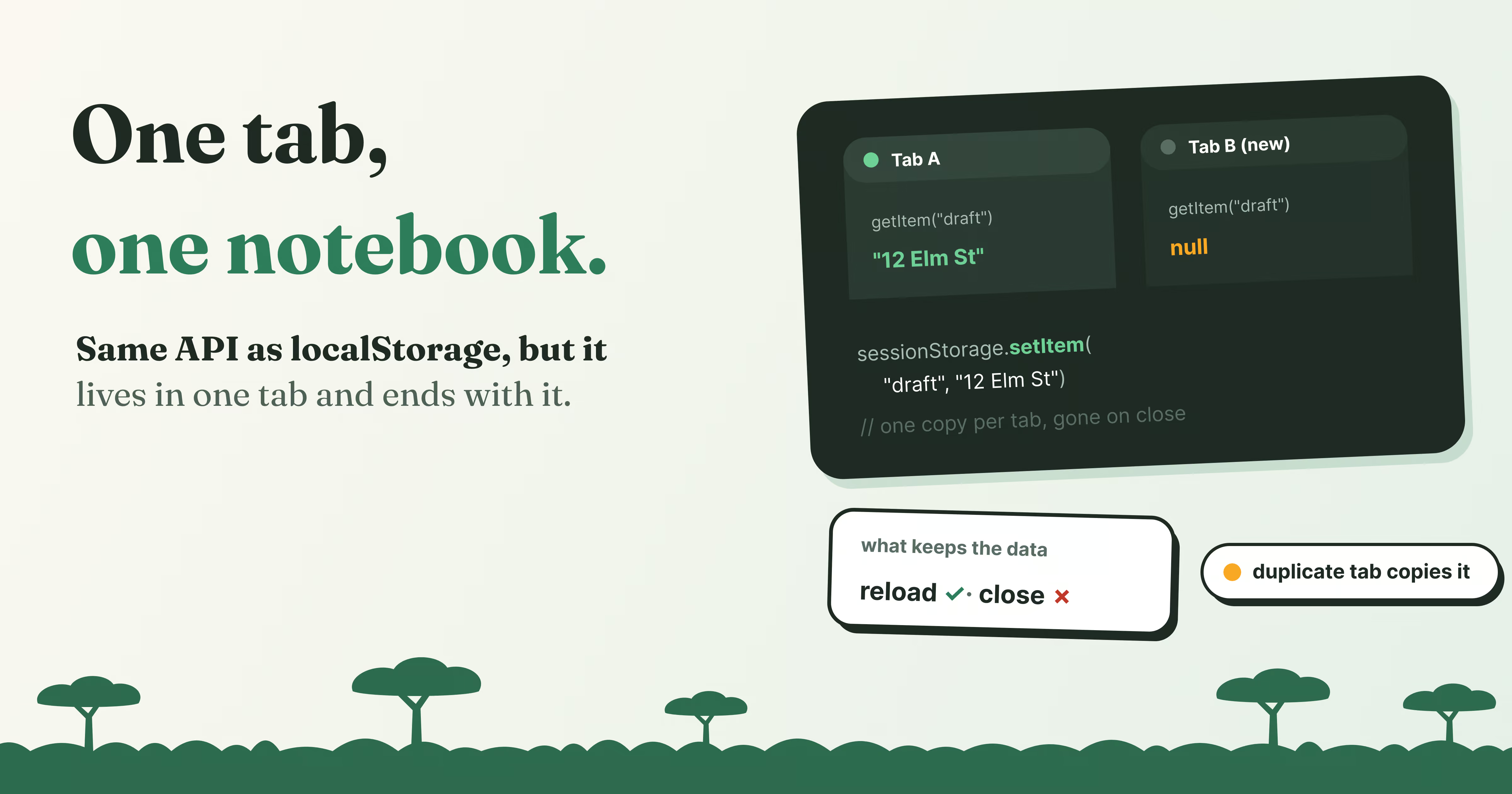
Here’s the mental model for this post: sessionStorage is the same notebook of text as localStorage, but every tab gets its own copy, and the browser throws it away when the tab closes.
The code is identical. Try the same presets as before, this time on sessionStorage:
Nothing stored yet.
Pick a preset above, or type a key and a value.
Reload the page and the keys survive. Open this page in a new tab and that tab starts empty.
Everything you learned about localStorage holds here:
- Values are always strings.
3comes back as"3", and an object withoutJSON.stringifycomes back as"[object Object]". - A missing key returns
null, not an error. - It survives a reload. Reload this page and the table still has your keys.
Now open this same page in a new tab (copy the address into a fresh tab). The lab in that tab is empty. Each tab has its own sessionStorage, even for the very same page.
What survives, and what doesn’t
That “per tab” idea has a few edge cases, and they’re exactly where bugs come from. Pick an action below and compare the two storages:
The new tab sees exactly the same data, live.
The new tab starts with an empty sessionStorage of its own.
A few things worth noticing:
- Reloading and navigating keep it. sessionStorage belongs to the tab and the origin, so moving between pages of the same site in one tab keeps everything.
- A new tab starts empty. Even if you open the exact same URL. localStorage, in contrast, is shared by every tab of the site, live.
- A duplicated tab is the odd one out. It starts with a copy of the original’s sessionStorage. From that moment the two tabs change independently: a value saved in one never appears in the other.
- Closing the tab deletes it. That’s the whole point. Restarting the browser deletes it too, unless the browser restores your tabs on startup, in which case it can come back with them. Don’t rely on either behaviour.
- Private windows delete both when they close.
Frames share the tab’s storage
“Per tab” really means per tab, not per document. An <iframe> on the same origin inside the page shares the tab’s sessionStorage, and sees the same values as the page around it. And just like localStorage, a change fires a storage event in the other documents that share that storage, which for sessionStorage means only the same-origin frames in the same tab.
When sessionStorage is the right choice
Reach for sessionStorage when the data only makes sense in the context of one tab’s journey, and would be wrong, or confusing, in another tab:
// A checkout that spans several pages, one tab at a time
const order = JSON.parse(sessionStorage.getItem("checkout") ?? "{}");
order.step = 2;
order.address = { city: "Bandung", zip: "40115" };
sessionStorage.setItem("checkout", JSON.stringify(order));
// Back on the listing page: remember where the user scrolled
sessionStorage.setItem("scrollY", String(window.scrollY));- A multi-step form or checkout. If the user starts a second order in another tab, the two shouldn’t overwrite each other, and an abandoned order shouldn’t haunt the next visit.
- Scroll position and “back” state. Coming back to a list should land where you left off, in that tab.
- A one-time message. “Your changes were saved” shown once after a redirect, then forgotten.
- Per-tab filters and sorting, so two tabs can show two different views of the same data.
If the user should find the data again tomorrow, or in another tab, you want localStorage instead.
localStorage and sessionStorage side by side
| localStorage | sessionStorage | |
|---|---|---|
| Methods | setItem, getItem, removeItem, clear |
The same |
| Stores | Strings only | Strings only |
| Shared between tabs | Yes, every tab of the origin | No, each tab has its own |
| After a reload | Kept | Kept |
| After closing the tab | Kept | Deleted |
| A duplicated tab | Shares it | Gets a copy, then goes its own way |
| Size | About 5 MB per origin | About 5 MB per origin, per tab |
| In a Web Worker | Not available | Not available |
The choice comes down to one question: should this still be here in another tab, or next week? If yes, localStorage. If it should vanish with the tab, sessionStorage.
Try it yourself
Paste this into the console on any site, then try the experiments from the table: reload, open a new tab, duplicate the tab, and run it again each time.
const n = Number(sessionStorage.getItem("tab-visits") ?? 0) + 1;
sessionStorage.setItem("tab-visits", n);
console.log(`This tab has run me ${n} times`);
A reload counts up. A new tab starts again at 1. A duplicated tab continues from the original’s number, then counts on its own.
Wrapping up
sessionStorage is localStorage with a shorter memory and a smaller audience. The API, the strings-only rule and the limits are the same, but each tab gets its own private copy, which survives reloads and navigation and is deleted when the tab closes. A duplicated tab starts from a snapshot, and same-origin frames share the tab’s copy. Use it for anything that belongs to one tab’s journey, and localStorage for anything the user should find again.
Here’s what to take with you:
- Same API as localStorage:
setItem,getItem,removeItem,clear, strings only. - Each tab has its own sessionStorage, even for the same page.
- It survives reloads and navigation, and is deleted when the tab closes.
- A duplicated tab starts with a copy, then the two go separate ways.
- Same-origin iframes share their tab’s sessionStorage.
- Use it for per-tab state: checkouts, scroll positions, one-time messages.
- It’s no safer than localStorage: keep secrets out.
Next up: when a notebook of strings isn’t enough. IndexedDB stores real objects, dates and files, holds far more data, and never blocks the page, at the price of a more involved API. See you there! 🗂️
Written by
Razak
Writes about the web, slowly, and builds small tools on the side.
Keep reading
Read next
 8 min
What Is Cache Storage? The Cache API Explained
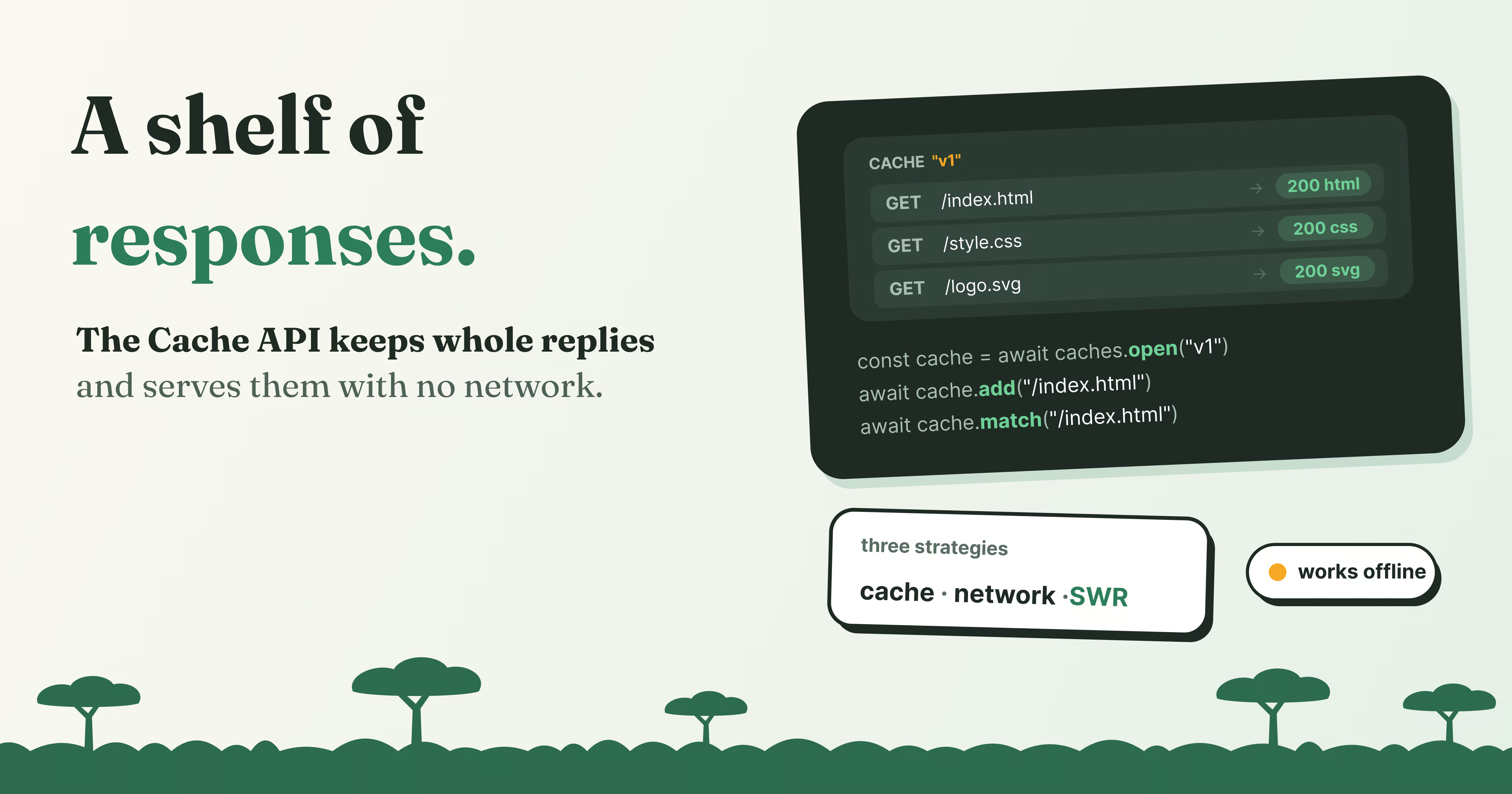
Cache Storage keeps whole requests and responses in the browser. Learn the Cache API, how offline sites use it, and cache-first vs network-first, live.
Read article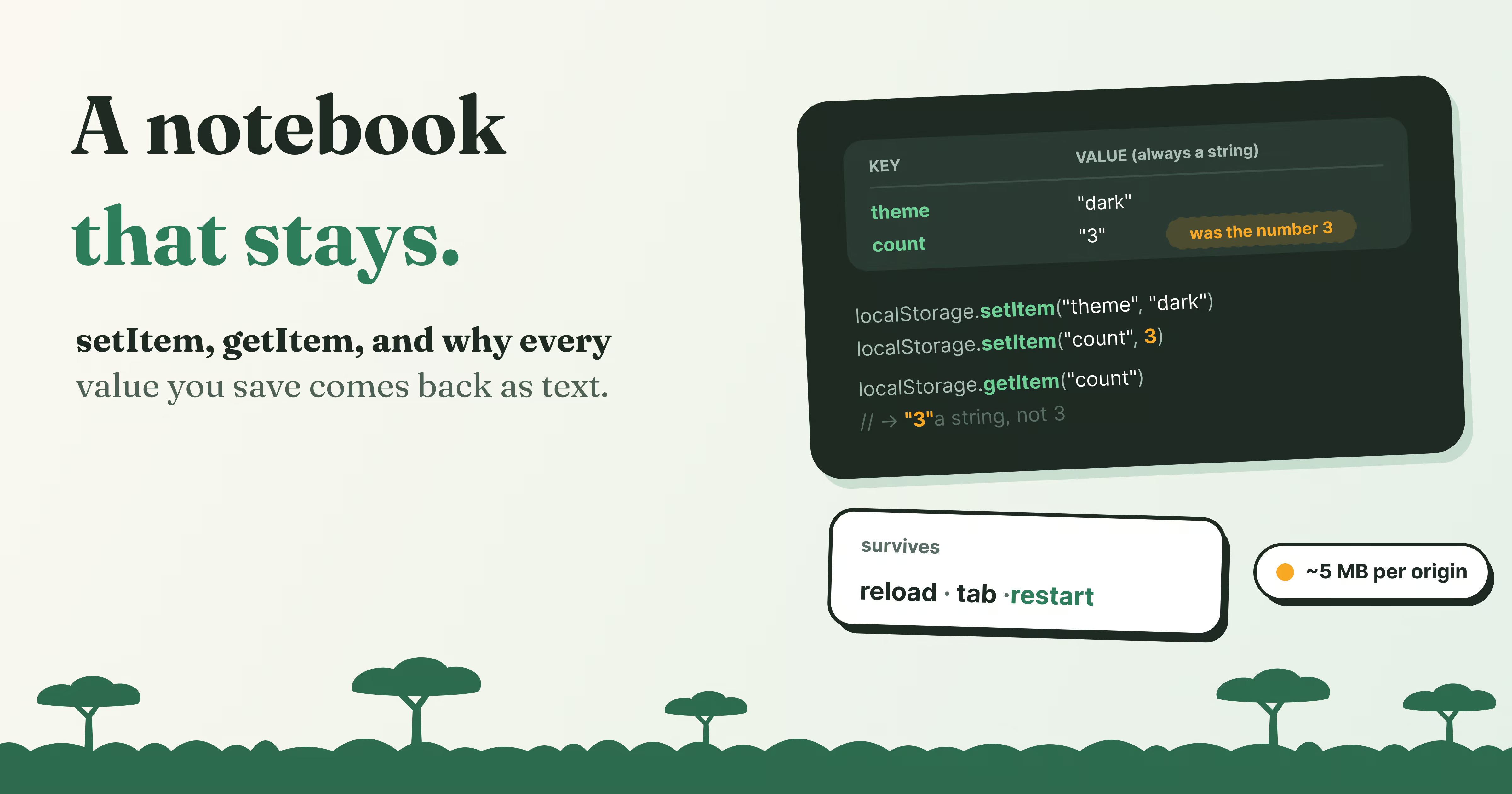 8 min
What Is localStorage? Save Data in the Browser
Learn how localStorage works, with a live lab on your own browser: setItem and getItem, why everything becomes a string, JSON, limits, and storage events.
Read article 9 min
Octoverse 2026: Commits Hit Record Highs as Developers Build with Agents
GitHub's Octoverse 2026 counted 34.3 billion commits and found that over 40% of pull requests now start as an agent's draft. Here is what the numbers mean, and what they mean for you as a developer.
Read article
Discussion
Comments
Loading comments…