
What Is localStorage? Save Data in the Browser
Learn how localStorage works, with a live lab on your own browser: setItem and getItem, why everything becomes a string, JSON, limits, and storage events.
 RazakTerra
- Reading time
- 8 min read
- Comments
- Discussion
On this page
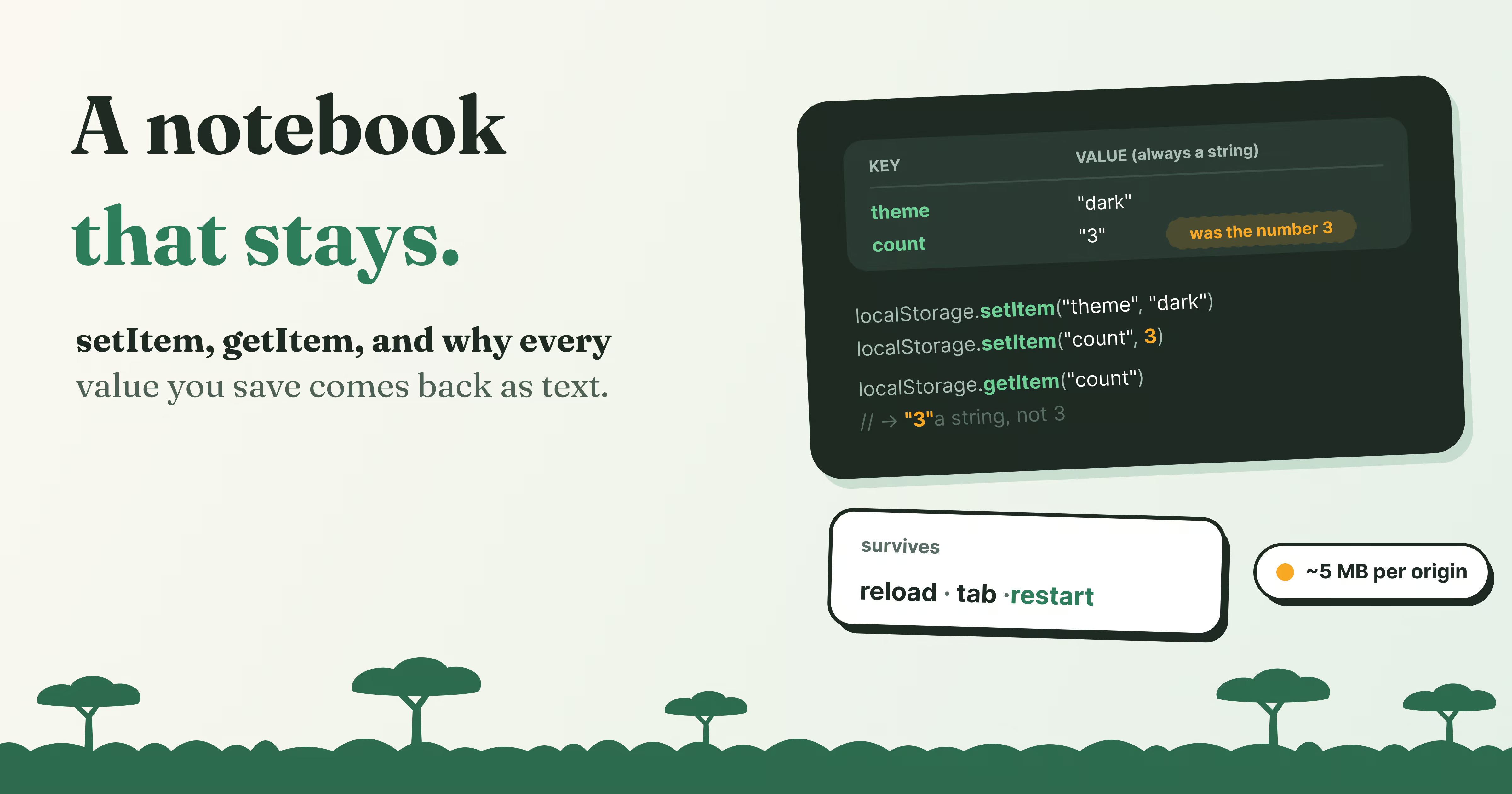
Pick dark mode on a website, close the tab, come back next week, and it’s still dark. Put three things in a shopping cart, wander off, return, and they’re still there. No account, no login, no server remembering you. The page simply wrote a note to itself, in your browser, and read it back the next time.
That note is very often localStorage, and it’s one of the friendliest APIs on the web: two methods, setItem and getItem, and you’re done. But it hides a few surprises. It quietly turns everything you give it into text, so a number comes back as a string and an object comes back as nonsense. It’s shared by every tab of your site at once, and tells the other tabs when something changes. And it has firm limits, on size, on where it can be used, and on what it should ever hold.
In this post we’ll poke at all of it. The figures below aren’t simulations: they read and write your browser’s real localStorage, so whatever they show is what your browser actually did.
A notebook that belongs to the site
Here’s the mental model for this post: localStorage is a small notebook of text that the browser keeps for each site. Every page of that site can read and write it, and it stays until someone erases it.
Each line in the notebook is a key (a name) and a value, and both are always strings. There are no folders, no types, no expiry dates. Just names and text.
Try it. Pick the presets one at a time and watch the table on the left, which is a live view of what your browser is storing:
Nothing stored yet.
Pick a preset above, or type a key and a value.
Now reload the page, or open it in another tab: the keys are still here.
A few things worth noticing while you play:
setItemsaves,getItemreads.setItem("name", "Ada")writes a line;getItem("name")gives back"Ada". Saving to an existing key simply overwrites it.- A missing key isn’t an error.
getItem("nothing-here")returnsnull, so you can check for a value without wrapping anything intry. - The data outlives the page. Save something, then reload this page, or open it in a new tab. The table comes back with your keys in it.
- Everything turns into text. That’s the next section, because it catches out almost everyone.
Everything is a string
Try the Save a number preset again and look at the console. You stored the number 3, and got back "3", in quotes: a string. Add 1 to it and you get "31", because + with a string glues text together instead of adding.
Objects fare even worse. Save an object stores { name: "Ada" }, and what comes back is the string "[object Object]". That’s what JavaScript gets when it turns an object into text without being told how, and the actual data is lost.
The fix is to do the conversion yourself, on purpose, with JSON:
// Saving: turn the value into a string first
const settings = { theme: "dark", fontSize: 18 };
localStorage.setItem("settings", JSON.stringify(settings));
// Reading: turn the string back into a value
const saved = JSON.parse(localStorage.getItem("settings"));
console.log(saved.fontSize + 2); // 20, a real number againJSON.stringify turns numbers, booleans, arrays and plain objects into text that JSON.parse can turn back into the same values. For a single number, Number(localStorage.getItem("visits")) is enough.
Two things JSON can’t carry across, so watch out for them: a Date comes back as a string (rebuild it with new Date(…)), and functions, Maps and Sets don’t survive at all.
Reading safely
Since getItem returns null for a key that was never saved, reading usually comes with a default:
const visits = Number(localStorage.getItem("visits") ?? 0) + 1;
localStorage.setItem("visits", visits);
const settings = JSON.parse(localStorage.getItem("settings") ?? "{}");?? means “use the value on the right if the left is null or undefined”. The first visit gets 0 + 1, every later one picks up where it left off.
One notebook, shared by every tab
“Each site” has a precise meaning here: the origin, which is the scheme, the host and the port together. https://terra-write.com and https://terra-write.com/blog/anything share one localStorage. http://terra-write.com (no s) or https://shop.terra-write.com each get a separate one, and no site can read another’s.
Because it belongs to the origin and not to a page, every open tab of a site sees the same data at the same time. The browser even tells the other tabs when it changes. Below are two tabs of the same site, both real pages sharing your localStorage. Save a note in one:
Both tabs read the same key, because localStorage belongs to the origin, not to a tab. The storage event only fires in the other tabs: the one that wrote already knows.
The tab you typed in shows a quiet “no event in this tab”, and the other tab receives a storage event, with the old and the new value. The rule is that the event fires in every other page of the same origin, never in the one that made the change, because that one already knows.
That makes it a handy way to keep tabs in sync. Log out in one tab, and the others can notice and log out too:
window.addEventListener("storage", (event) => {
if (event.key === "session" && event.newValue === null) {
location.href = "/signed-out";
}
});The limits
localStorage is simple on purpose, and the price of simple is a handful of hard limits.
It’s small. Browsers give each origin about 5 MB. In Chrome that’s exactly 5,242,880 characters, keys and values together. Go over and setItem throws a QuotaExceededError, so wrap writes of anything big in try/catch.
It’s synchronous. Every getItem and setItem waits for the browser to read or write before the next line of your code runs. For a few small values that’s instant. For big chunks of data, read in a loop, it can make the page stutter. That’s the job IndexedDB was built for, which gets its own post.
It only lives in pages. Inside a Web Worker or a service worker, localStorage simply doesn’t exist.
It isn’t guaranteed to last forever. The user can clear it at any time, private windows throw it away when they close, and Safari deletes it for sites you haven’t visited in a while. Treat it as a convenience that usually remembers, never as the only copy of anything important.
When to use it, and when not to
| Good fit | Better somewhere else |
|---|---|
| Theme, language, “don’t show this again” | Login tokens and anything secret: HttpOnly cookies |
| A draft the user is typing | Large data, files, images: IndexedDB |
| A small cart or a list of recent searches | Data only one tab should see: sessionStorage |
| Remembering which tab or filter was open | Cached pages and API responses: Cache Storage |
If it’s small, not secret, and nothing breaks when it disappears, localStorage is perfect. If any of those three isn’t true, look at the alternatives in the table. Each has a post of its own in this series.
Try it yourself
Paste this into your browser’s console on any site (press F12, then pick the Console tab). It counts how many times you’ve loaded that site. Reload a few times and run it again, then find the key under Application → Local storage (Chrome) or Storage (Firefox) in the developer tools.
const visits = Number(localStorage.getItem("my-visits") ?? 0) + 1;
localStorage.setItem("my-visits", visits);
console.log(`You have run this ${visits} times on ${location.origin}`);
When you’re done, localStorage.removeItem("my-visits") tidies up. (localStorage.clear() also works, but it wipes every key the site saved, not just yours.)
Wrapping up
localStorage is a small notebook of text that each origin gets in your browser. Every page and every tab of that site shares it, it survives reloads and restarts, and it’s gone only when someone clears it. It only ever stores strings, so anything else goes through JSON.stringify on the way in and JSON.parse on the way out. It’s small, synchronous and readable by every script on the page, which makes it ideal for preferences and drafts, and the wrong place for secrets or big data.
Here’s what to take with you:
setItem(key, value)saves,getItem(key)reads,removeItem(key)deletes.- Values are always strings. Use
JSON.stringifyandJSON.parsefor anything else. - A missing key returns
null, so read with a default:getItem("x") ?? "fallback". - Data belongs to the origin (scheme, host and port) and is shared by all its tabs.
- Other tabs get a
storageevent when a value changes; the tab that changed it doesn’t. - About 5 MB per origin, and writes can throw
QuotaExceededError. - Never store secrets: every script on the page can read it.
Next up: sessionStorage, localStorage’s twin. Same methods, same strings, but a very different idea of how long “remember this” should last. See you there! 📓
Written by
Razak
Writes about the web, slowly, and builds small tools on the side.
Keep reading
Read next
 8 min
What Is Cache Storage? The Cache API Explained
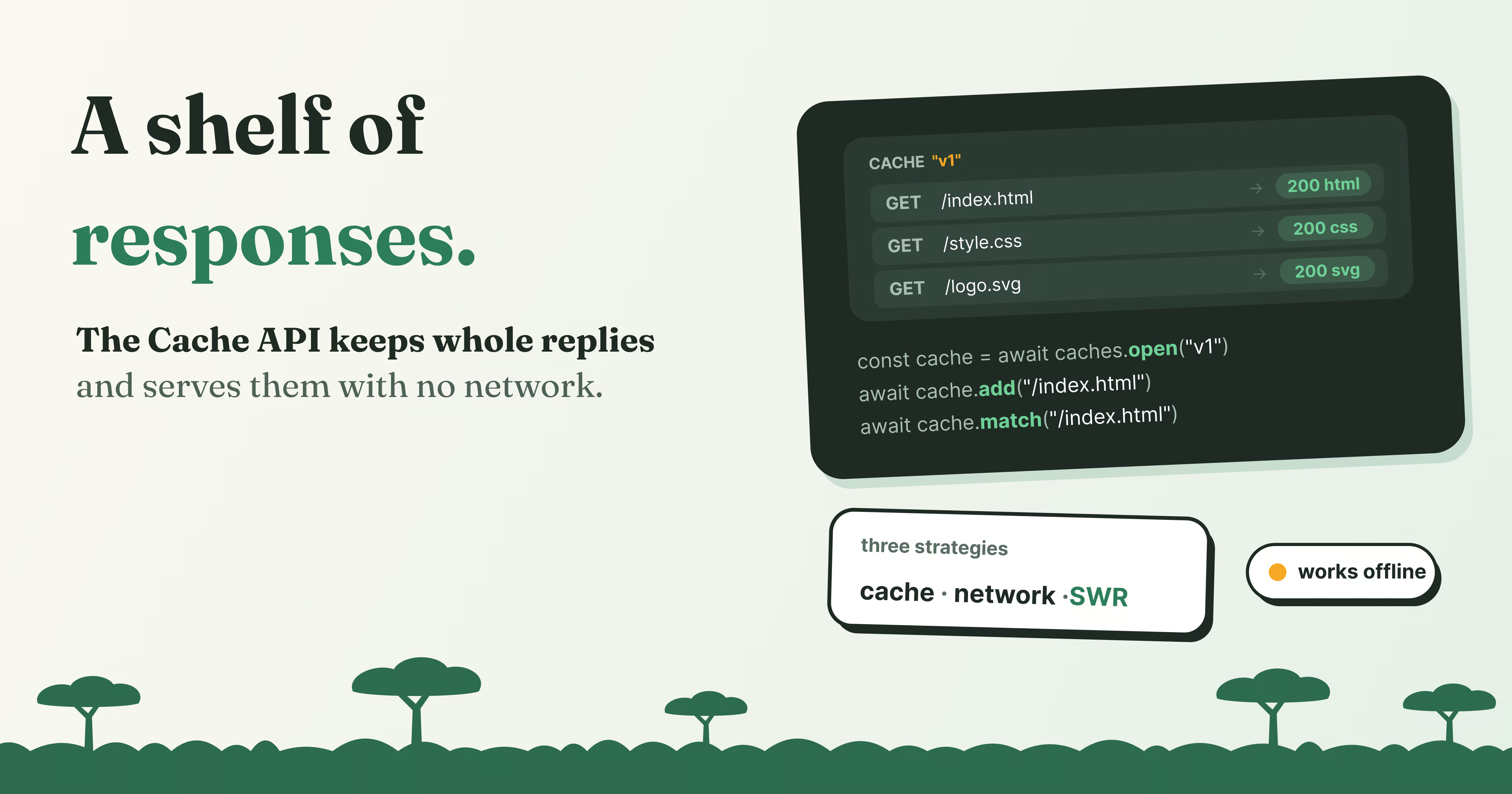
Cache Storage keeps whole requests and responses in the browser. Learn the Cache API, how offline sites use it, and cache-first vs network-first, live.
Read article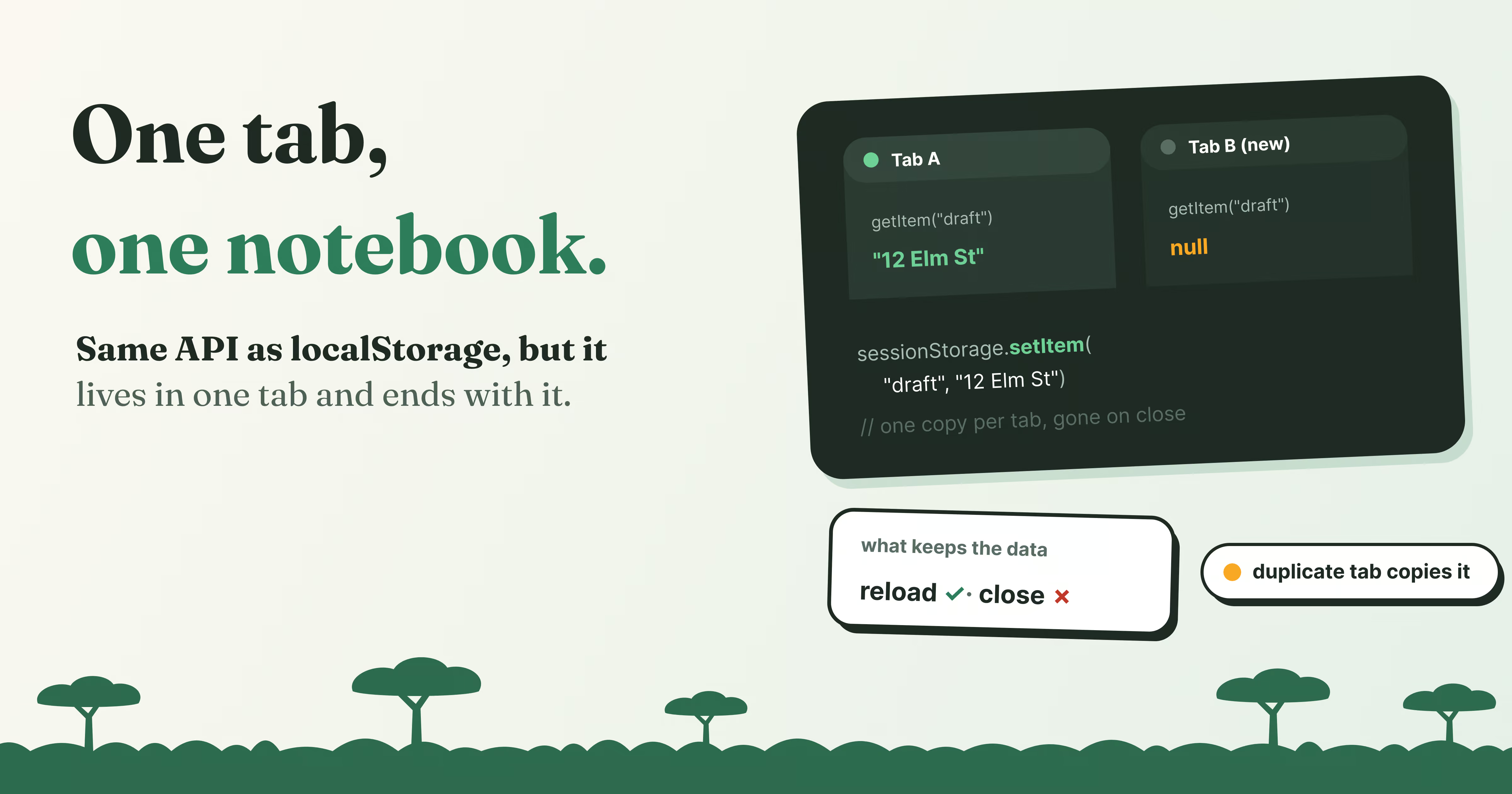 6 min
What Is sessionStorage? Storage That Lives Per Tab
sessionStorage works like localStorage but lives in one tab. See what survives a reload, a new tab, a duplicate or closing the tab, with live demos.
Read article 9 min
Octoverse 2026: Commits Hit Record Highs as Developers Build with Agents
GitHub's Octoverse 2026 counted 34.3 billion commits and found that over 40% of pull requests now start as an agent's draft. Here is what the numbers mean, and what they mean for you as a developer.
Read article
Discussion
Comments
Loading comments…